
How to Check Your iPhone IMEI Number (5 Easy Ways)
Dial a code, open Settings, or look at the box. Five ways to find your IMEI, plus what to do with it once you have it.
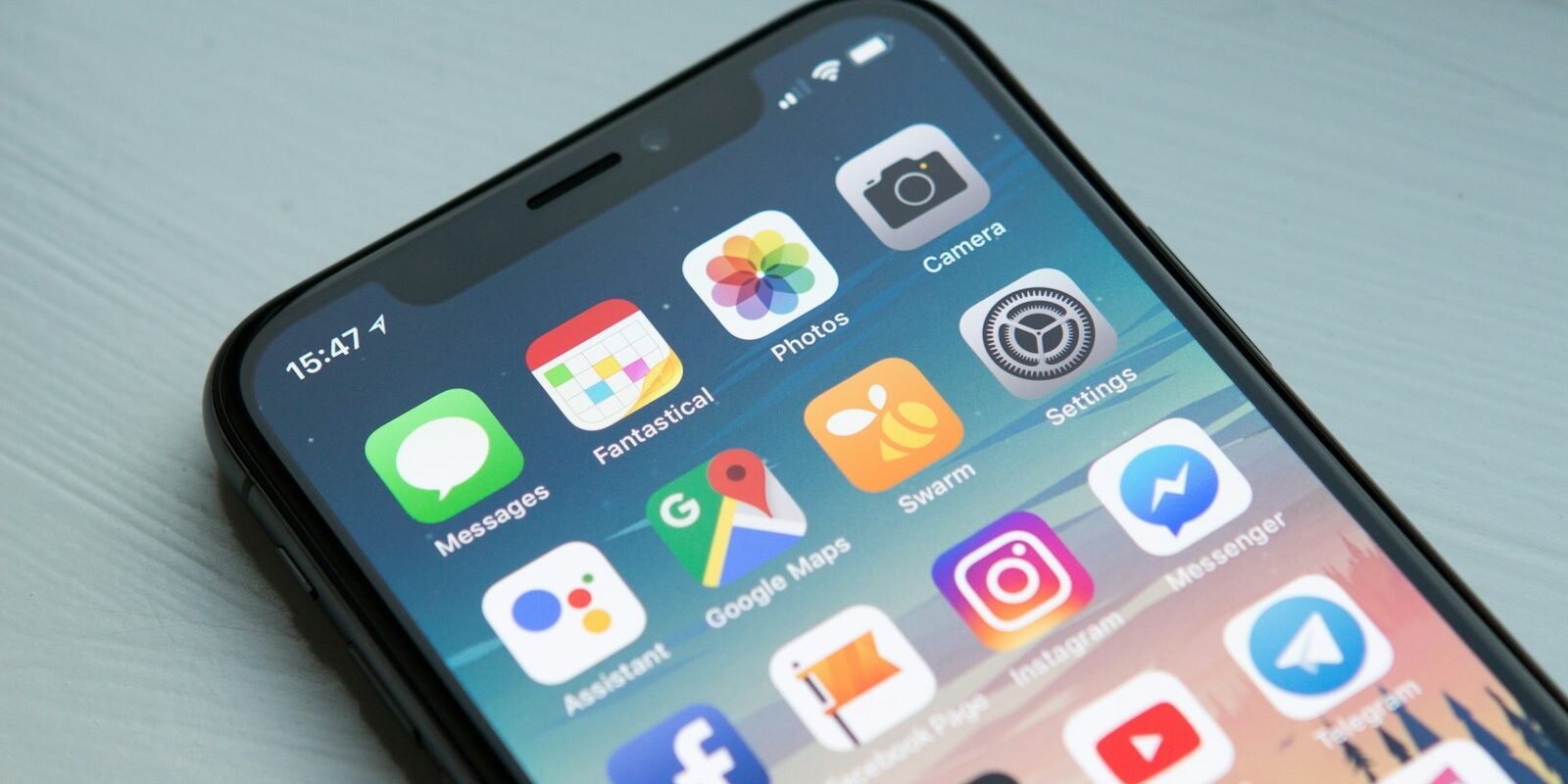
The fastest way to check your iPhone IMEI is to open the Phone app and dial *#06#. The number appears on screen instantly — no call is made. If that doesn’t suit you, there are four other methods below, including options that work when the phone is lost, locked or won’t switch on.
Your IMEI (International Mobile Equipment Identity) is a 15-digit number unique to your handset. Carriers use it to identify the device on their network, and it’s what you’ll be asked for when you report a phone stolen, unlock it, or file an insurance claim. It’s worth writing down now, before you actually need it.
5 ways to check iPhone IMEI
1. Dial *#06#
Open the Phone app, go to the keypad and type *#06#. A screen titled “Device Info” pops up showing your IMEI, and on dual-SIM or eSIM models you’ll see more than one number. Screenshot it and you’re done.
2. Look in Settings
Go to Settings → General → About and scroll down. You’ll see IMEI, and on newer models IMEI2 as well. Press and hold the number to copy it, which saves you typing 15 digits into a support form.
3. Check the SIM tray or the phone itself
On many older models (roughly iPhone 6s to iPhone 13), the IMEI is laser-printed on the SIM tray. Pop it out with a SIM tool and look closely — the text is tiny. On some older phones it’s printed on the back. US iPhone 14 and later models have no SIM tray, so this method won’t apply to them.
4. Find it on the original box
The barcode label on the back of the iPhone box lists the serial number and IMEI. This is the method to use when the phone is lost or completely dead — which is a good reason to keep the box, or at least a photo of the label.
5. Use your Apple Account on another device
Sign in at account.apple.com, open Devices and select the iPhone. The IMEI is listed there. You can also check from a Mac, iPad or another iPhone signed in to the same account under Settings → [your name] → the device.
Tip: If the IMEI shown in Settings doesn’t match the one on the SIM tray or box, treat it as a red flag. It can mean parts were swapped or the phone isn’t what the seller says it is.
What can you do with an IMEI number?
- Report a lost or stolen phone — your carrier can block the IMEI so it can’t be used on its network.
- Check a used phone before buying — run the number through a blacklist checker to see if it’s been reported lost, stolen or unpaid.
- Unlock the phone — carriers ask for the IMEI when processing an unlock request.
- Insurance and warranty claims — insurers and Apple Support use it to confirm the exact device.
How to check if a used iPhone is stolen
Before handing over money for a second-hand iPhone, ask the seller to dial *#06# in front of you. Then run the number through a free checker. In the US, the CTIA-backed Stolen Phone Checker is a good starting point; many carriers also offer their own compatibility check that flags blocked devices.
Also confirm Find My is switched off (Settings → [name] → Find My) and that the phone has been erased. An iPhone still tied to someone else’s Apple Account is effectively a paperweight, however good the price looks. If you’re buying online, our guide to two-factor authentication is worth a read too — scammers often target marketplace accounts.
IMEI vs serial number: what’s the difference?
People mix these up all the time, and support forms often ask for one when you expect the other. Your IMEI identifies the phone on mobile networks. It’s a global standard used by every carrier and every phone maker. Your serial number is Apple’s own identifier, used for warranty checks, repairs and AppleCare. Both appear in Settings → General → About, and both are printed on the box.
| IMEI | Serial number | |
|---|---|---|
| Who uses it | Carriers, police, insurers | Apple, repair shops |
| Format | 15 digits | 10–12 letters and numbers |
| Used for | Blocking, unlocking, network checks | Warranty, repairs, AppleCare |
What if *#06# doesn’t work?
On an iPhone, *#06# should work on every model with a cellular connection. If nothing happens, make sure you’re typing it on the Phone app’s keypad, not in Messages or Notes. If the screen still shows nothing, the phone may have a software fault or no active cellular hardware — in which case use Settings or the box instead.
If Settings shows the IMEI as blank or all zeros, don’t ignore it. That can point to a damaged logic board or unofficial repairs. Contact Apple Support or an authorised service provider before relying on that phone, and don’t buy a used device that shows this symptom.
Write it down before you need it
Here’s the habit worth building: the day you get a new phone, take a screenshot of the About screen and save it somewhere other than the phone — an email to yourself, a password manager or a note on your computer. If the phone is ever lost or stolen, you’ll have the number ready for your carrier and the police report in seconds.
Is it safe to share your IMEI?
Share it with your carrier, Apple, your insurer or a repair shop you trust. Avoid posting it publicly, for example in a photo of your Settings screen on social media. On its own it won’t let someone into your phone, but it can be misused to clone a device identity or to make a fake “lost phone” report.
Frequently asked questions
What is the quickest way to check iPhone IMEI?
Open the Phone app and dial *#06#. Your IMEI appears on screen immediately without placing a call.
Can I find my IMEI if my iPhone won’t turn on?
Yes. Check the original box label, the SIM tray on older models, or sign in to your Apple Account on another device and view the phone under Devices.
Why does my iPhone have two IMEI numbers?
Dual-SIM and eSIM-capable iPhones have one IMEI per line, so you’ll see IMEI and IMEI2.
Does changing the SIM change the IMEI?
No. The IMEI belongs to the phone itself, not the SIM card, so it stays the same whatever SIM or carrier you use.
Can someone unlock my iPhone with the IMEI?
No. The IMEI identifies the device on mobile networks but doesn’t give access to your data or bypass your passcode or Activation Lock.