
How to Create a Monthly Budget That Actually Works
Most budgets fail in week three. Here's a six-step method designed around real life, plus two frameworks to choose from.
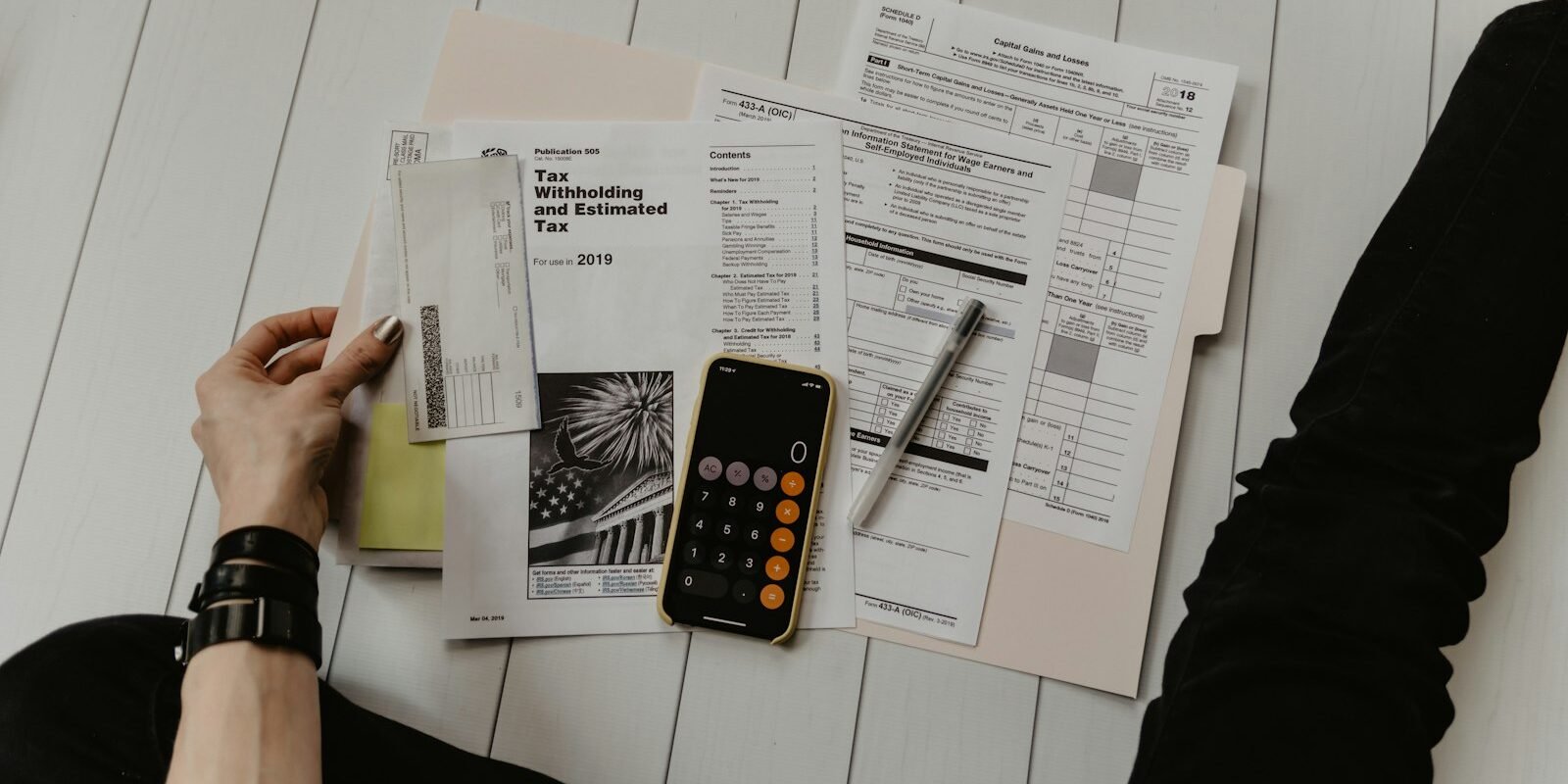
To create a monthly budget, add up your take-home pay, list your fixed and variable expenses, pick a simple framework like 50/30/20, assign every dollar a job, and review it weekly. The first month is always messy. That’s normal — a budget is a plan you adjust, not a test you pass.
I’ve tried the elaborate spreadsheets and the colour-coded apps. What finally stuck was something much simpler: a short list of categories and a ten-minute check-in every Sunday.
Step 1: Know your real income
Use your take-home pay — what actually lands in your account after tax and deductions. If your income varies, base your budget on your lowest month from the past year. Anything above that becomes a bonus you can direct to savings.
Step 2: Track a month of spending
Before you set limits, look at where your money already goes. Export the last 30 to 60 days from your bank and card statements and sort each transaction into a category. Most people are surprised by one line — usually food delivery or subscriptions.
Step 3: Separate fixed and variable costs
- Fixed: rent or mortgage, insurance, loan payments, phone and internet.
- Variable: groceries, fuel, eating out, entertainment, clothing.
- Irregular: car repairs, gifts, annual subscriptions, medical costs.
Irregular costs are what wreck budgets. Divide the yearly total by 12 and set that amount aside each month in what’s often called a sinking fund.
Step 4: Choose a budgeting method
| Method | How it works | Best for |
|---|---|---|
| 50/30/20 | 50% needs, 30% wants, 20% savings and debt | Beginners who want a simple rule |
| Zero-based | Every dollar is assigned until income minus spending equals zero | Detail-oriented people, tight months |
| Pay yourself first | Savings go out on payday; spend the rest freely | People who hate tracking |
| Envelope/cash | Set cash per category; stop when it’s gone | Controlling overspending |
There’s no single right answer. If 50/30/20 doesn’t fit because rent eats 45% of your income, adjust the split. The framework serves you, not the other way round.
Step 5: Build your savings into the plan
Treat saving like a bill. Set up an automatic transfer on payday, even if it’s small. Your first goal should be a starter emergency fund so a surprise expense doesn’t end up on a credit card.
Step 6: Review weekly, adjust monthly
Spend ten minutes a week checking your spending against your plan. At the end of the month, move money between categories based on what actually happened. After three months, your budget will reflect your real life far better than your first guess did.
Quick win: cancel one subscription you forgot you had. Most people find at least one, and it’s the easiest money you’ll save all year.
A sample monthly budget
Here’s what a 50/30/20 budget might look like on a take-home income of $3,500 a month. Your numbers will differ — use it as a starting shape, not a target.
| Category | Amount | Share |
|---|---|---|
| Rent and utilities | $1,300 | 37% |
| Groceries | $350 | 10% |
| Transport | $150 | 4% |
| Insurance and phone | $150 | 4% |
| Eating out and entertainment | $450 | 13% |
| Shopping and personal | $350 | 10% |
| Subscriptions and hobbies | $250 | 7% |
| Savings and extra debt payments | $500 | 15% |
In this example, needs come to about 55% and savings to 15%, so it doesn’t match 50/30/20 perfectly. That’s fine. The point is that every dollar has a job and the owner can see exactly where to adjust if costs rise.
Budgeting as a couple
Money is one of the most common sources of friction in relationships, and a shared budget helps more than almost anything. Agree on shared costs first — housing, bills and groceries — then decide whether you’ll split them equally or in proportion to income. Many couples keep a joint account for shared expenses plus individual accounts for personal spending, which gives both people some freedom without constant check-ins.
Tools that make budgeting easier
A simple spreadsheet works well if you enjoy seeing the numbers. Budgeting apps save time by pulling in transactions automatically and sorting them into categories. Your bank’s own app may already offer spending summaries. Try one approach for a full three months before you switch — consistency matters far more than the tool.
Once your budget is stable, you can start thinking bigger: paying down debt faster, building a full emergency fund or saving for a home. The habits you build now make every one of those goals easier.
Why budgets fail (and how to avoid it)
- Categories are too strict, so one slip feels like total failure.
- Irregular expenses weren’t planned for.
- There’s no money set aside for fun, so the budget feels like punishment.
- It’s never reviewed after the first week.
The Consumer Financial Protection Bureau’s budgeting tools include free worksheets if you’d prefer paper to an app.
Frequently asked questions
What is the easiest way to create a monthly budget?
Use the 50/30/20 rule: put about half your take-home pay toward needs, 30% toward wants and 20% toward savings and debt, then adjust to fit your life.
How do I budget with irregular income?
Budget from your lowest typical month and put anything extra toward savings or a buffer fund you can draw on in lean months.
Should I use a budgeting app or a spreadsheet?
Either works. Apps automate tracking; spreadsheets give more control. Choose the one you’ll actually open every week.
How much of my income should go to rent?
A common guideline is around 30% of gross income, but in expensive cities many people pay more. If rent is higher, you’ll need to trim wants or savings to balance the budget.